
Data loss is a modern nightmare that can strike anyone, whether you’re storing personal files or business-critical data. While professional recovery services can retrieve lost files in many cases, there are frequent missteps that can dramatically reduce the chances of successful hard disk recovery. Avoiding these errors is vital—because once damage reaches a certain point, recovery is no longer just difficult—it becomes unattainable. Below, we explore common mistakes that can turn a recoverable hard drive into an irreversible loss.
Continuing to Use the Drive After Data Loss
One of the most harmful actions you can take is continuing to use the drive after files have disappeared or the device starts behaving strangely. Whether it’s accidental deletion or strange noises from the hard disk, powering on and accessing the drive only increases the chance of overwriting critical data. This not only compromises recovery efforts but may also lead to permanent corruption. If the data is valuable, immediately stop using the drive. Every new operation—especially installations or file transfers—risks erasing the very data you want to get back.
Trying DIY Recovery Without Proper Tools
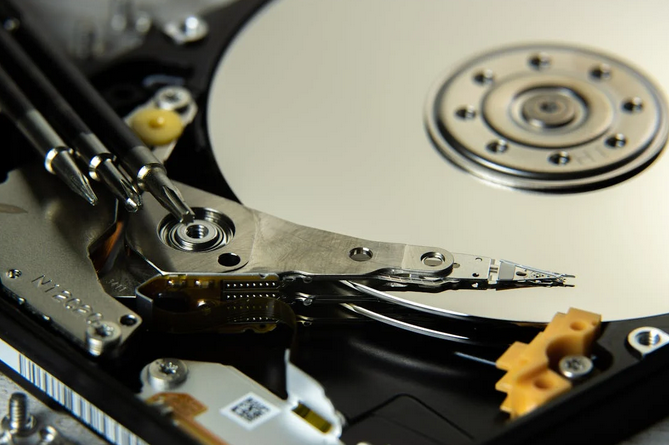
It’s tempting to try free software tools or follow questionable online tutorials when panic sets in, but inexperienced recovery attempts can make matters worse. Tools that promise instant fixes often fail to account for the nature of the data loss, whether it’s logical damage or physical hardware failure. In some cases, these tools can misinterpret the file system and damage the partition structure beyond repair. Without diagnostic tools and clean environments, DIY efforts often cause more destruction than resolution.
Opening the Hard Drive in an Uncontrolled Setting
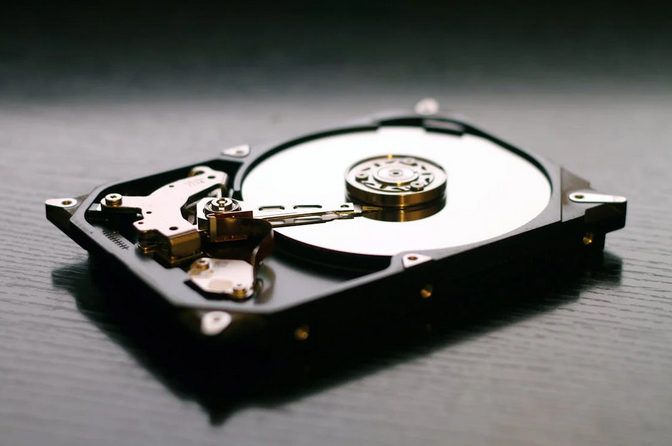
Curiosity or desperation may lead someone to physically open their hard drive to “check” for issues. This is an irreversible mistake. Hard disk internals are extremely sensitive to dust, humidity, and static. Removing the casing even for a few seconds in a non-sterile environment can destroy the platters and heads. Data recovery professionals work in clean rooms equipped with special air filters and tools. Opening a drive at your desk or home completely eliminates the chance of professional recovery.
Ignoring Early Warning Signs
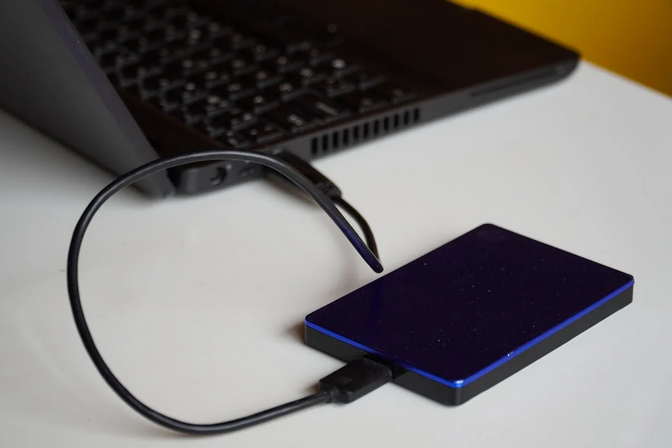
People often delay action when their hard drive starts exhibiting odd behavior—clicking sounds, random freezing, or slow file access. These are signs of possible mechanical failure or bad sectors. Waiting too long could allow these issues to escalate into catastrophic failure. Prompt intervention can help isolate the problem and recover the data while the drive is still partially functional. Ignoring warning signs, on the other hand, often leads to situations where recovery is no longer feasible.
Inadequate Backup Practices
Perhaps the most common misstep is relying solely on the hard drive without any backup plan. Many individuals and businesses store essential files without duplication, assuming the drive will “just keep working.” Unfortunately, every drive has a lifespan, and failure can strike without warning. Avoiding this mistake isn’t just about recovery—it’s about prevention. Having at least two backup methods, such as cloud storage and an external drive, significantly lowers your risk.
Hard disk recovery is a race against irreversible damage. Missteps like using faulty drives, opening them in the wrong environment, or trusting ineffective software can turn a simple recovery process into a dead-end. Avoiding these five mistakes dramatically improves the odds that, if data loss does occur, recovery …